
Yesterday I decided that manually writing myself a daily task list is a bit too 2026. So I spun up an MCP server, so that any neural network can connect to my task tracker, fetch active projects, and generate a daily to-do list in the format I want.
MCP (Model Context Protocol) is a protocol by Anthropic that gives AI assistants access to external data and tools. I connect via Cursor, but you can also use Claude Desktop or even the web version of ChatGPT — for now, only in developer mode.
Architecture
In my task tracker, I built a simple API that returns active projects, tasks, and notes in JSON. The MCP server running on Cloudflare Workers calls this API and exposes the data to the neural network.
Why Cloudflare
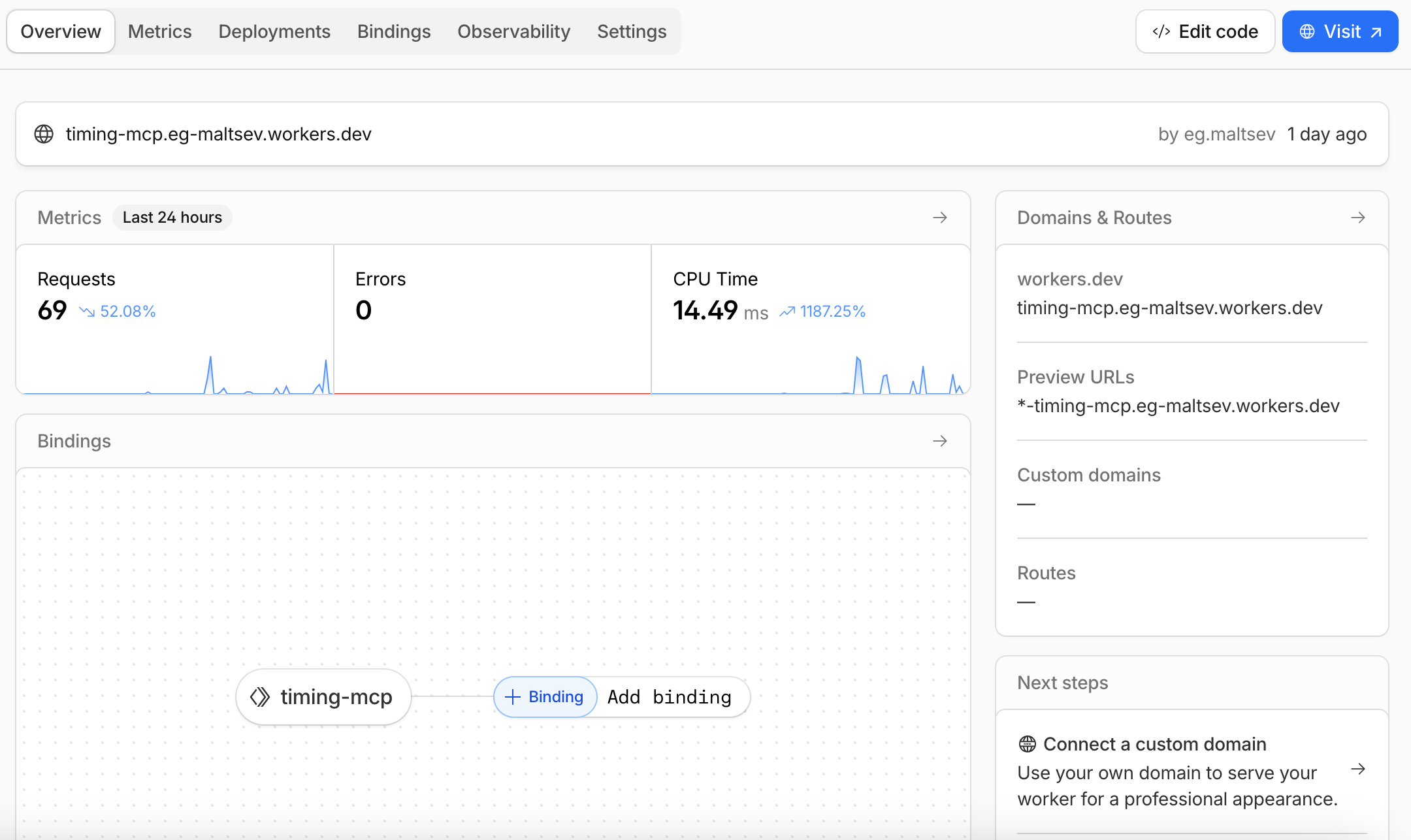
I already use Cloudflare for domain hosting. Workers on the free plan allow up to 100,000 requests per day with 10 ms of CPU time per request. Plus, you get the edge network. The Worker runs on the server closest to you, so latency is minimal.
I did everything via the CLI. Installed wrangler, logged in with a single command, added secrets using wrangler secret put — and deployed.
The MCP Server Itself
The entire Worker is about 150 lines of TypeScript. In short, you need to do three things:
- Describe tools — functions the AI can call. In my case, these are
get_projects(project list),get_today_summary(everything needed for daily planning), andmake_daily_plan(a ready-made plan). Each tool has a name, description, and input parameter schema. - Implement execution logic — what happens when the AI calls a tool. In my case, it’s a request to the task tracker API, returning JSON.
- Implement the MCP protocol — handle JSON-RPC requests for
initialize,tools/list, andtools/call. Sounds complex, but in practice it’s just a 30-line switch-case.
Project Structure
mcp-worker/
├── package.json       — dependencies and scripts
├── wrangler.toml      — Cloudflare config: worker name, env vars
└── src/
    └── index.ts       — all MCP server code
package.json
Minimal setup: TypeScript, Cloudflare types, and wrangler — the CLI for deployment.
{
  "name": "my-mcp-server",
  "type": "module",
  "scripts": {
    "dev": "wrangler dev",
    "deploy": "wrangler deploy"
  },
  "devDependencies": {
    "@cloudflare/workers-types": "^4.20241205.0",
    "typescript": "^5.7.2",
    "wrangler": "^3.99.0"
  }
}
wrangler.toml
Cloudflare configuration. name is the worker name (used in the URL), vars are environment variables. Don’t put API keys here — add them as secrets via the CLI.
name = "my-mcp-server"
main = "src/index.ts"
compatibility_date = "2024-12-01"
compatibility_flags = ["nodejs_compat"]
[vars]
API_URL = "https://your-app.com/api"
src/index.ts
The main file. This is where tools are defined, execution logic lives, and MCP requests are handled. It looks big, but half of it is just JSON schemas for the tools.
interface Env {
  API_URL: string;
  API_KEY: string;
}
// Request to your API
async function apiRequest(env: Env, endpoint: string, params: Record<string, string> = {}) {
  const url = new URL(`${env.API_URL}/${endpoint}`);
  Object.entries(params).forEach(([k, v]) => v && url.searchParams.set(k, v));
  const res = await fetch(url.toString(), {
    headers: { "X-API-Key": env.API_KEY }
  });

  if (!res.ok) throw new Error(`API error: ${res.status}`);
  return res.json();
}
// MCP tools
const TOOLS = [
  {
    name: "get_projects",
    description: "Get list of projects with tasks",
    inputSchema: {
      type: "object",
      properties: {
        status: { type: "string", enum: ["active", "done", "archive"] },
        limit: { type: "number" }
      }
    }
  },
  {
    name: "get_today_summary",
    description: "Get all data for daily planning: projects, tasks, notes",
    inputSchema: {
      type: "object",
      properties: {
        date: { type: "string", description: "YYYY-MM-DD" }
      }
    }
  },
  {
    name: "make_daily_plan",
    description: "Analyze projects and create work plan for the day",
    inputSchema: {
      type: "object",
      properties: {
        date: { type: "string" },
        work_hours: { type: "number", description: "Available hours (default 8)" }
      }
    }
  }
];
// Tool execution — AI calls by name, we fetch data from API
async function executeTool(env: Env, name: string, args: any): Promise<string> {
  switch (name) {

    // Simple case: fetch JSON from API and return as-is
    case "get_projects": {
      const data = await apiRequest(env, "projects", {
        status: args?.status || "active",
        limit: args?.limit?.toString() || "50"
      });
      return JSON.stringify(data, null, 2);
    }

    // Same idea — just pass data through
    case "get_today_summary": {
      const data = await apiRequest(env, "today", { date: args?.date || "" });
      return JSON.stringify(data, null, 2);
    }

    // More interesting: fetch data and build a plan ourselves
    // Could return raw JSON and let the AI format it,
    // but this gives more stable results in the format I need
    case "make_daily_plan": {
      const data = await apiRequest(env, "today", { date: args?.date || "" });

      let plan = `# Plan for ${data.date}\n\n`;

      // Focus first — main tasks for the day
      plan += `## Focus\n`;
      data.focus_items?.forEach((item: any) => {
        plan += `- **${item.project}**: ${item.task}\n`;
      });

      // Then active projects with tasks
      plan += `\n## Projects\n`;
      data.projects?.filter((p: any) => p.active).forEach((p: any) => {
        plan += `\n### ${p.name}\n`;
        p.tasks?.slice(0, 3).forEach((t: any) => {
          plan += `- ${t.name}\n`;
        });
      });

      return plan;
    }

    default:
      throw new Error(`Unknown tool: ${name}`);
  }
}
// Handle MCP requests — JSON-RPC 2.0
// AI client sends method, we return result
async function handleMCP(env: Env, request: any): Promise<any> {
  const { method, params, id } = request;
  switch (method) {
    // First request on connect — server info
    case "initialize":
      return {
        jsonrpc: "2.0", id,
        result: {
          protocolVersion: "2024-11-05",
          capabilities: { tools: {} },
          serverInfo: { name: "my-mcp", version: "1.0.0" }
        }
      };
    // AI asks which tools are available
    case "tools/list":
      return { jsonrpc: "2.0", id, result: { tools: TOOLS } };
    // AI calls a specific tool with arguments
    case "tools/call":
      const result = await executeTool(env, params.name, params.arguments);
      return {
        jsonrpc: "2.0", id,
        result: { content: [{ type: "text", text: result }] }
      };
    default:
      return { jsonrpc: "2.0", id, error: { code: -32601, message: "Method not found" } };
  }
}
// Cursor expects responses as Server-Sent Events
// Wrap JSON in event: message
function formatSSE(data: any): string {
  return `event: message\ndata: ${JSON.stringify(data)}\n\n`;
}
// Entry point — standard HTTP handler for Cloudflare Workers
export default {
  async fetch(request: Request, env: Env): Promise<Response> {
    const url = new URL(request.url);

    // CORS for browser-based clients
    const cors = {
      "Access-Control-Allow-Origin": "*",
      "Access-Control-Allow-Methods": "GET, POST, OPTIONS",
      "Access-Control-Allow-Headers": "Content-Type, Accept",
    };
    // CORS preflight
    if (request.method === "OPTIONS") {
      return new Response(null, { headers: cors });
    }
    // Health check — useful to verify the server is alive
    if (url.pathname === "/") {
      return new Response(JSON.stringify({ status: "ok" }), {
        headers: { "Content-Type": "application/json", ...cors }
      });
    }
    // Main endpoint — MCP requests arrive here
    if (url.pathname === "/mcp" && request.method === "POST") {
      const body = await request.json();
      const response = await handleMCP(env, body);
      return new Response(formatSSE(response), {
        headers: { "Content-Type": "text/event-stream", ...cors }
      });
    }
    return new Response("Not Found", { status: 404 });
  }
};
Deployment
# Install dependencies
npm install
# Log in to Cloudflare
npx wrangler login
# Secret API key
npx wrangler secret put API_KEY
# Deploy
npm run deploy
You’ll get a URL like https://my-mcp-server.username.workers.dev. Connect it to Cursor — and you’re good to go.